Your bathroom shortlist, saved in one place
Tap the heart on any HERA product. Sign in with your WhatsApp number and your wish list opens on every phone and computer you use.
- Free
- No password to remember
- Delete your account any time

How it works
Three steps, about a minute
-
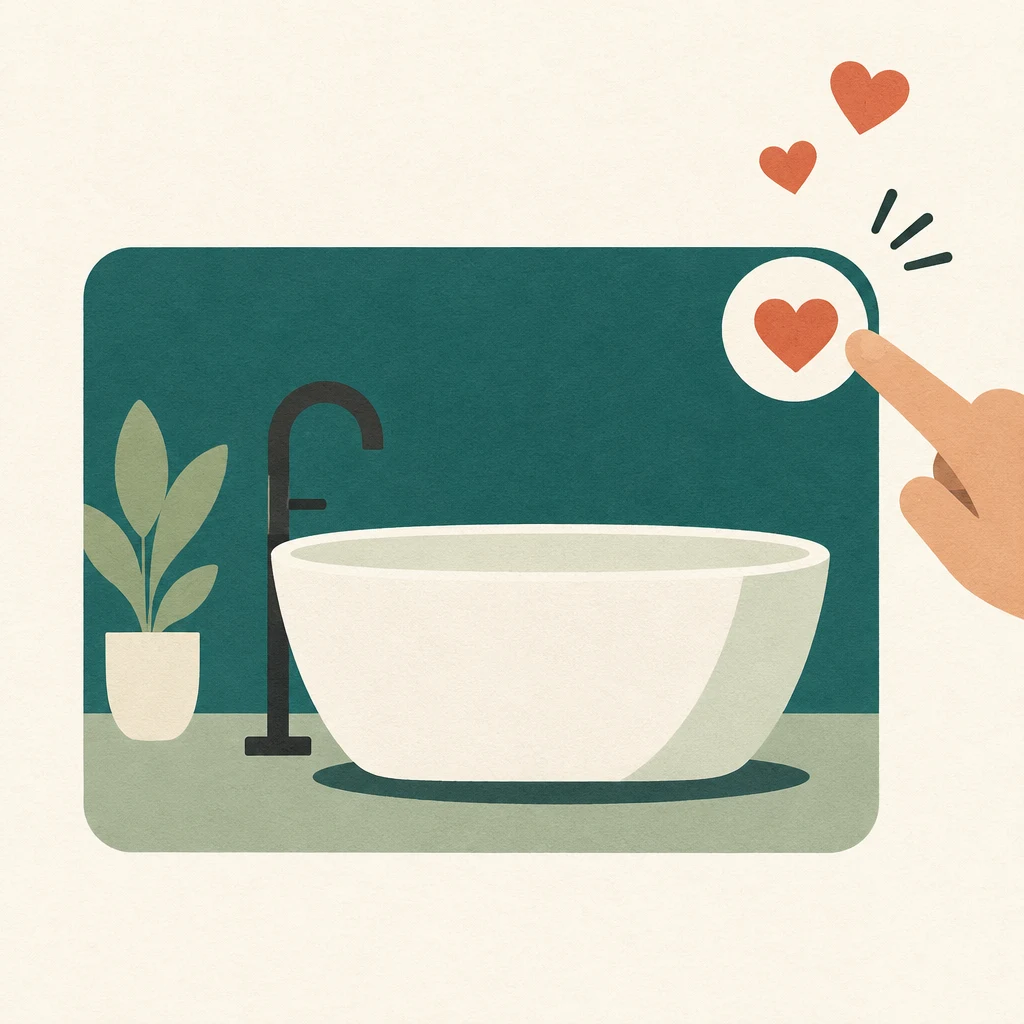
Tap the heart
Every product card and product page has one. Your pick is saved on your device straight away, before you sign in.
-
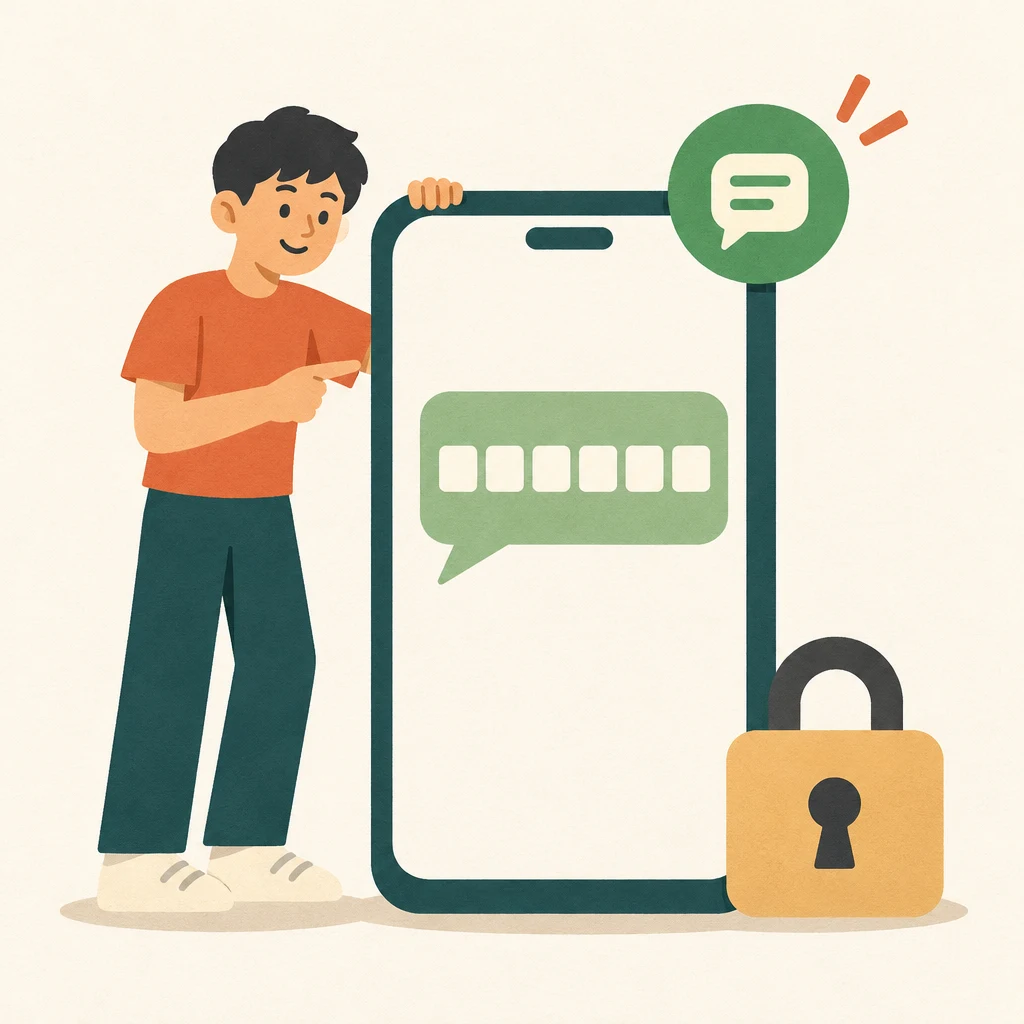
Enter your WhatsApp number
We send a 6-digit code on WhatsApp. Type it in and your account is ready. The code expires after 5 minutes.
-
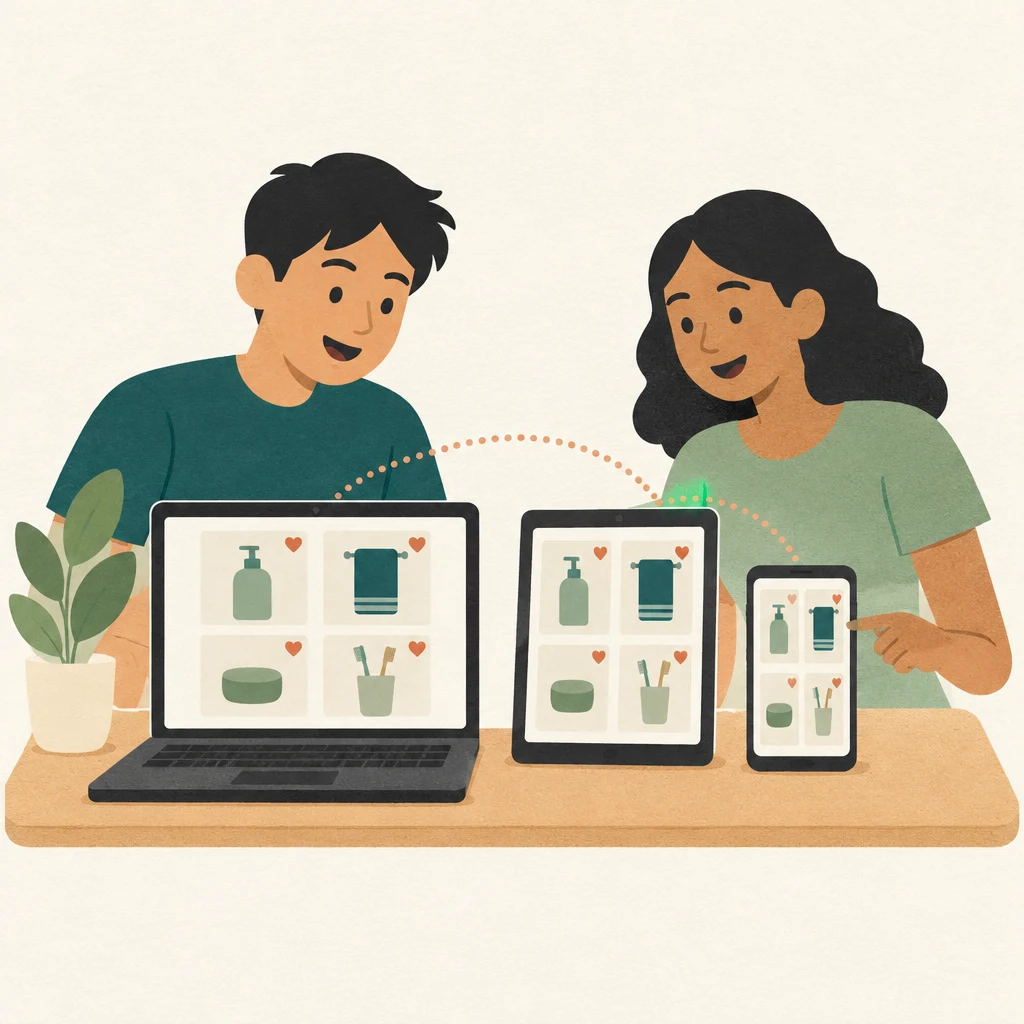
Open your list anywhere
Sign in with the same number on another phone or a computer and the same list is there, grouped by range.
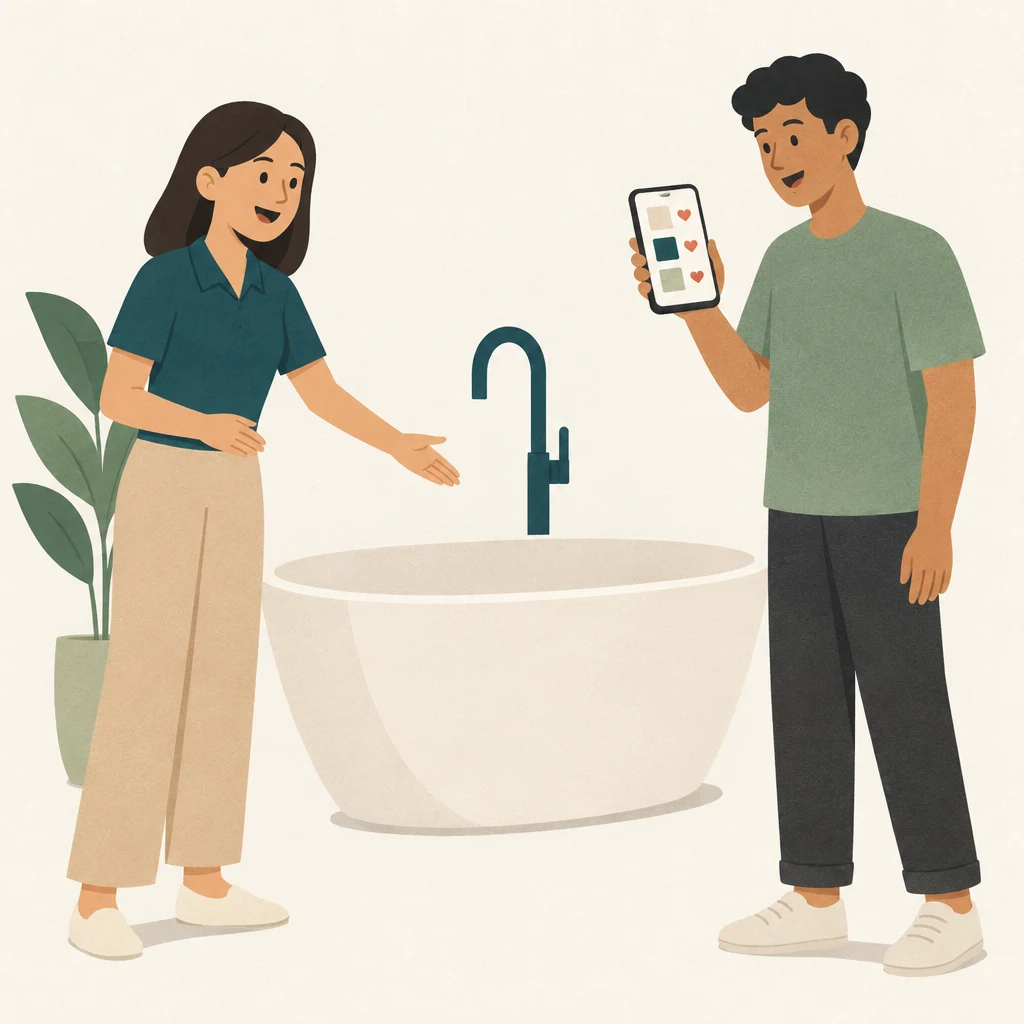
Your wish list
Bring your shortlist to the showroom
Your saved products sit under their range, from bathtubs and vanities to mirrors, basins and taps, each with its price from the website.
- Book a visit with your list attached. One button sends your saved products with your showroom booking, so the team knows what you want to see.
- Send it to WhatsApp. Share the whole list with us, with a link to each product, to ask about sizes, stock or fitting.
- Room for up to 200 products. Remove one with a tap, and undo it if you change your mind.
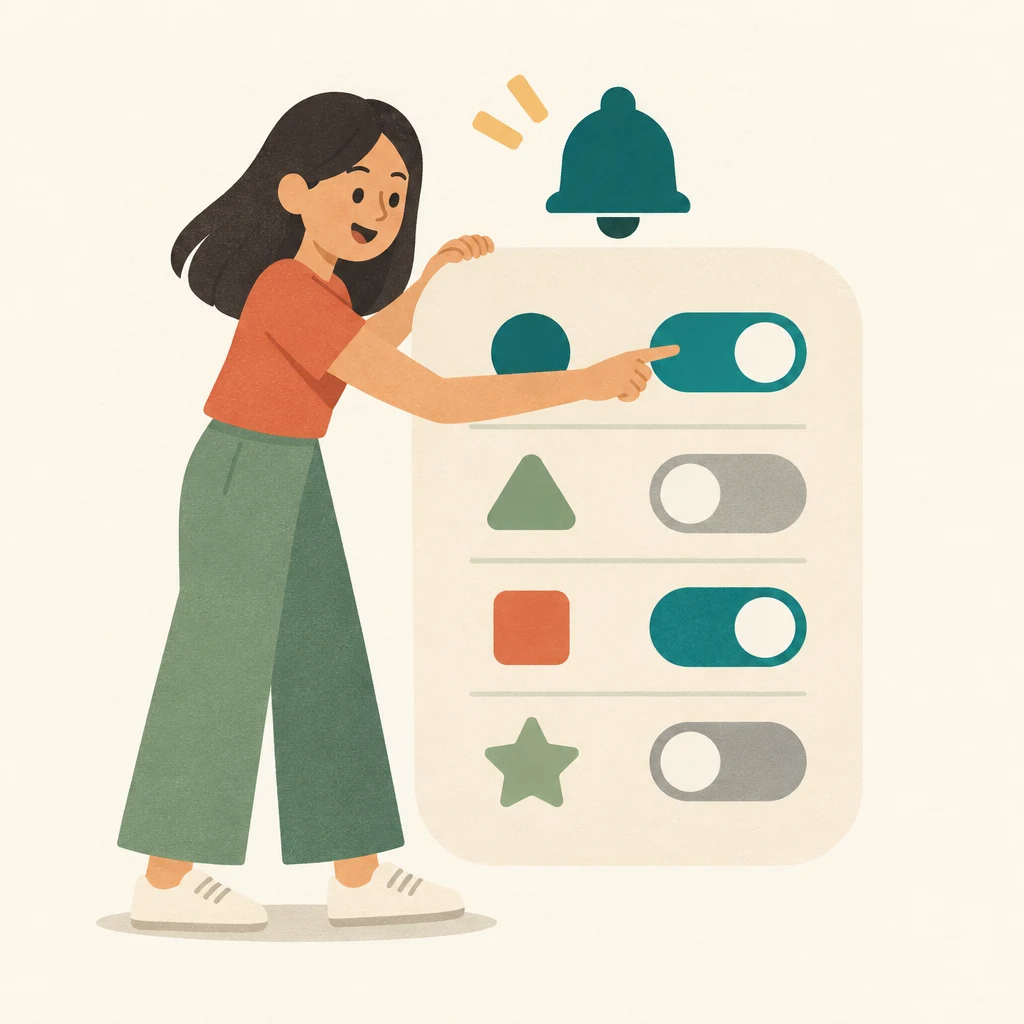
Updates
You pick what you hear about
Seven topics, each with its own switch. All seven are off when you join, and nothing promotional is sent for a topic you have not turned on.
- New products and ranges
- Sales and promotions
- Wish list alerts
- Showroom events and roadshows
- News for my estate
- Ideas and guides
- Care and warranty
Choose WhatsApp, email or both. Set them to as it happens, weekly or monthly, or pause everything for 30 days.
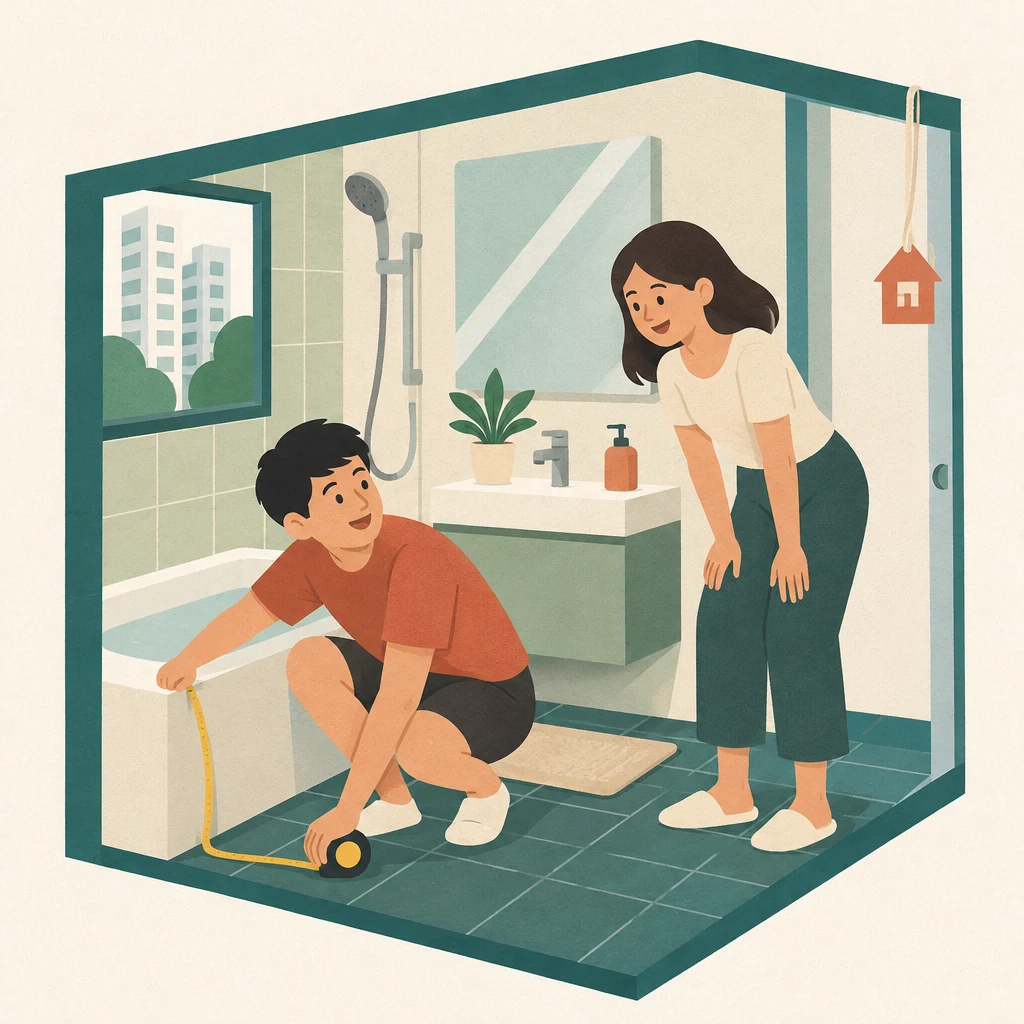
My home
Tell us about your home, if you want to
A few taps: HDB BTO, HDB resale, condo or landed, your flat type, how many bathrooms, and whether you are waiting for keys or renovating now.
Every answer is optional. The ranges you say you are looking for come first on your wish list page, and our sales team can see your answers to prepare for your visit.
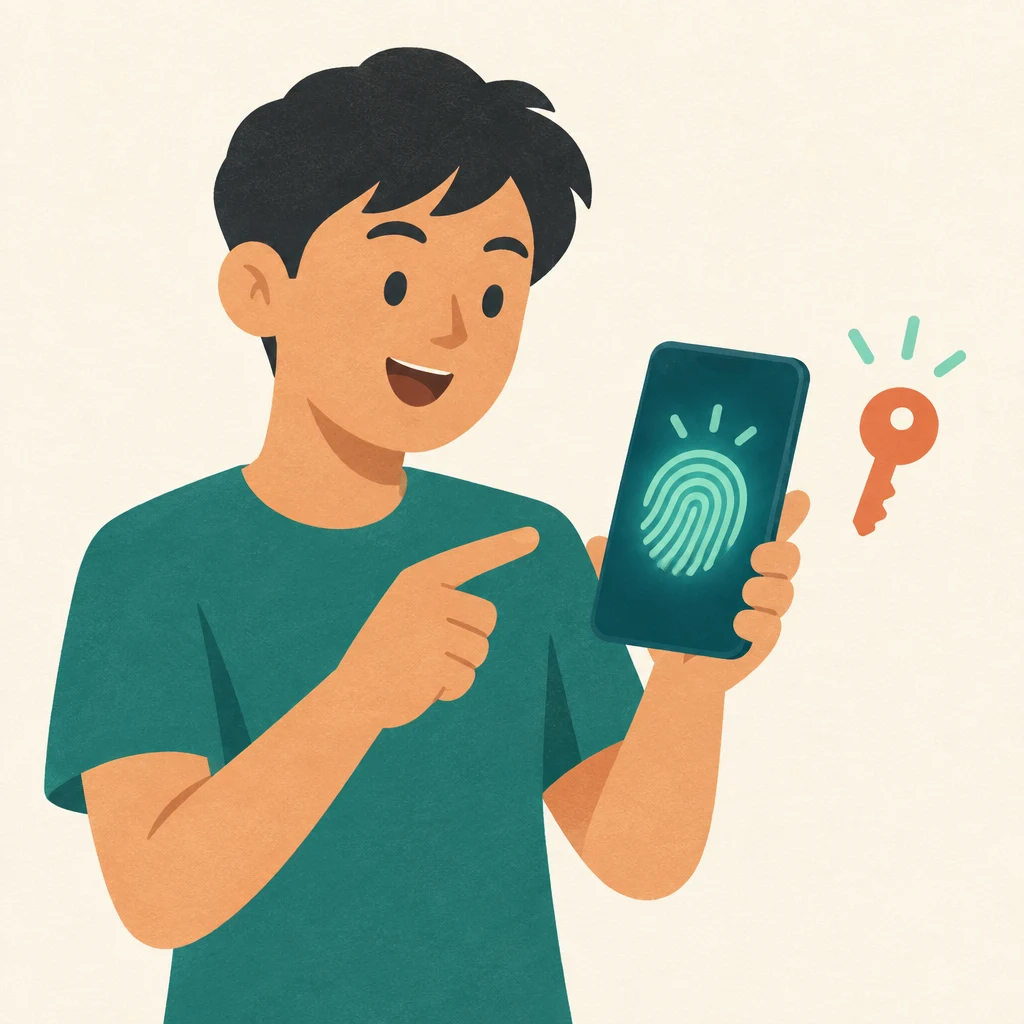
Sign-in
Skip the code with a passkey
After your first sign-in you can add a passkey. Next time, Face ID, a fingerprint or your device PIN signs you in, with no code to wait for.
WhatsApp codes keep working on every device, so a passkey is a shortcut and never a lock-out. You can add up to 5 and remove any of them.
Your details
What we keep, and what you control
What a My HERA account holds
- Your WhatsApp number, used to sign you in.
- Your wish list and the date you saved each product.
- Your update choices, each recorded with its date.
- Home details, name and email, only if you add them.
What stays in your hands
- No promotions by default. A topic is off until you switch it on.
- See where you are signed in and sign out of other devices.
- Delete everything yourself from the Sign-in tab, with no need to ask us.
- The full detail is in our Privacy Policy and Terms.
Questions
Before you sign up
Does a My HERA account cost anything?
No. It is free, and it does not commit you to buying anything.
Do I need a password?
No. You sign in with a 6-digit code sent to your WhatsApp number. You can also add a passkey, which uses Face ID, a fingerprint or your device PIN.
Can I save products without signing in?
Yes. Hearts are saved on the device you are using. Signing in moves them into your account so they show on your other devices too.
Will you send me promotions on WhatsApp?
Only for topics you turn on. All seven update topics are off when you create your account.
Sign-in codes and booking confirmations are always sent, because they are not marketing.
Does saving a product reserve it or hold the price?
No. A wish list is your own list. It does not reserve stock, and the price beside a saved product follows the website.
I changed my phone number. What happens to my list?
Sign in with your new number to start a new account, then message us on WhatsApp and we will move your list across.
How do I delete my account?
Open My HERA, go to the Sign-in tab and press Delete my account. Your wish list, update choices, home details and passkeys are removed.
Start with one heart
Find a bathtub, vanity or mirror you like and tap the heart. The sign-up takes your WhatsApp number and one code.